How To Claim Deferrals
Claim your 2020 RunFest deferral and transfer to the 2021 RunFest
Step 1: You will need to follow this link to log into your RunSignup account and view your profile: https://runsignup.com/Profile
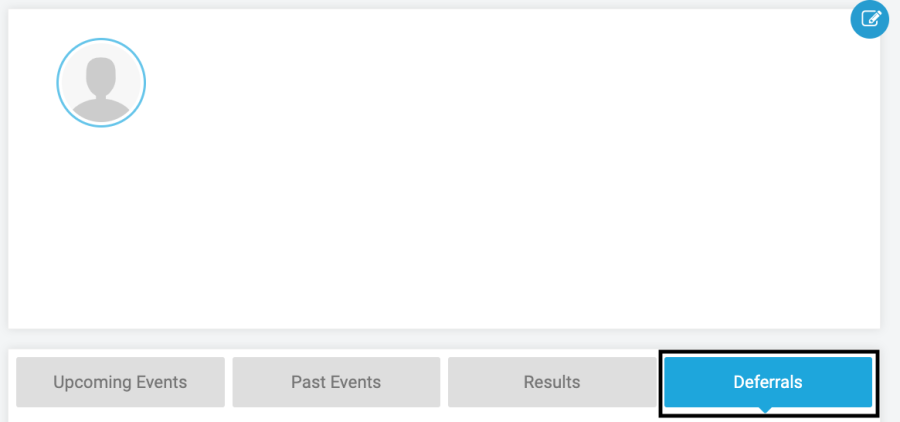
Step 2: In your RunSignup profile select 'Deferrals' to find your Anchorage RunFest registration. Then select 'Complete Deferral'.

Step 3: You will then be brought to your 'Complete Deferral' page. For this process you will be credited your event cost from 2020, and that amount will show up on this page. You will then select 'Start Transfer'.
*The amount you will be credited will equal what your registration cost in 2020.
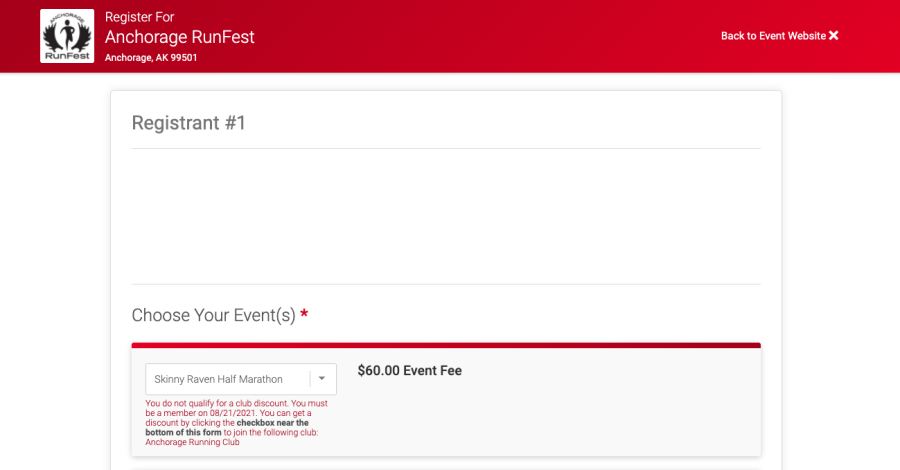
Step 4: You will then be brought to the RunFest registration page, and you will proceed through the normal registration process, beginning by choosing yoru event(s). Again, you will be granted a credit that equals your the registration amount you paid in 2020. If you want to upgrade to a more expensive event, you will have to pay the difference. If you downgrade to a less expensive event you will not receive a refund. If you don't use the entire credit amount, you will not receive a refund or be able to use it at a later time.
You will be guided through the 2021 registration process.
Once you get to the final page, click "Complete Registration". After you have selected "Complete Registration" you will have successfully transferred your event, CONGRATS!